|
|
|
|

|
|
|
CS Backwater Calculator:
Channel Invert Profile:
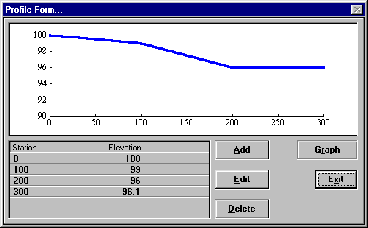
The selection of an "Add/Edit Profile" button will bring up the Invert Profile Editor displayed above. To add stations to the profile click the "Add" button. Note that stations must be added in order, from upstream towards downstream. Distances are computed relative to the first (upstream) station. Downstream station values must be greater than the upstream station value. To Edit a station: highlight the station and press the "ENTER" key. Or Double Click the Station to be edited. To Delete a station: Highlight the station then Click the "Delete" button. To Refresh the Graph click the "Graph" button.
Adding or Editing Profile Stations:
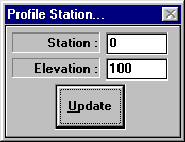
Once the Add button or Edit button are selected from the editing Invert Profiles form, the form shown below is displayed. This form allows you to input the station and elevation for an individual station point of the profile. Station : Distance from an arbitrary upstream point. The larger the value, the further downstream the station point is. Proper input is a single precision floating point value for the station. For example, station 1+12.67 would be input 112.67. Elevation : Input the elevation of the channel invert reference point for the profile station. (Elevations below 0 will be cause the software to adjust the whole profile above elevation 0 during the calculation procedures. This may cause the profile to be remain with the adjusted values in the event of an error during the calculation procedures.)
Computational Increment:
The computational Increment is the horizontal distance between standard step calculation points, along the input profile. The software will divide the profile into sections of length equal to the computational Increment in order to compute the flow profiles. In the event of a remainder length, or a profile increment length less than the computational increment occurs, the smaller value is used. For English units, computational increments between 10 and 50 feet provide the most accurate results. Having too many increments can cause inaccuracies to occur due to the allowable tolerances for the iterative solutions. Having too large of a value for the computational increment can also cause curve approximation accuracy problems.
Upstream HGL:
Hydraulic Grade Line at upstream end of the profile. Upstream HGL : Used in Flow profile Calculations : If a known value for the upstream hydraulic grade line (WS Elevation) is known it can be input and it will be used in the calculations if valid for the flow conditions. If the value is found to be invalid by the program a valid result will be computed.
Downstream HGL:
Hydraulic Grade Line at downstream end of the profile. Downstream HGL : Used in flow profile computations : If a known value for the downstream hydraulic grade line (WS Elevation) is known it can be input and it will be used in the calculations if valid for the flow conditions. If the value is found to be invalid by the program a valid result will be computed.
Print Preview: 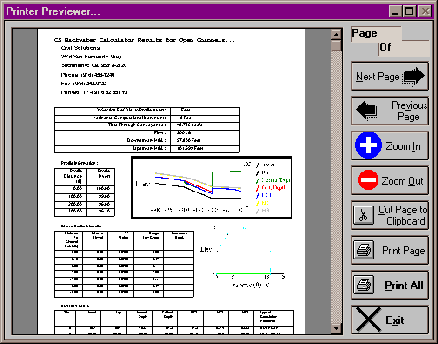
Civil Solutions Print Previewer offers many unique printing options. When you print from a Civil Solutions application, the multi page output document is displayed in the print previewer.
! ZOOM In : Increases the size of the displayed page.! ZOOM Out : Deceases the size of the displayed page.! Cut Page To Clipboard : Cuts the displayed page to the clipboard for use in other documents.! Print Page : Sends the current page to the default printer device.! Print All : Sends the total document to the default printer device.! Mouse Left Button Double Click Document : Zooms in.! Mouse Right Button Double Click Document : Zooms Out.! Mouse Drag Document : moves the displayed portion of the document.Pipe Backwater Calculator: 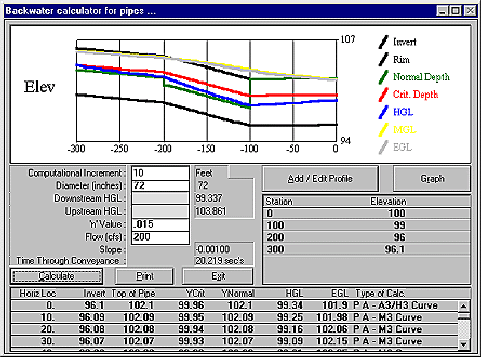
Rectangular Backwater Calculator 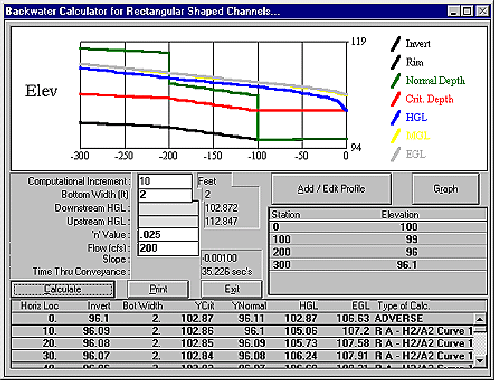
Trapezoidal Backwater Calculator 
Triangular Backwater Calculator 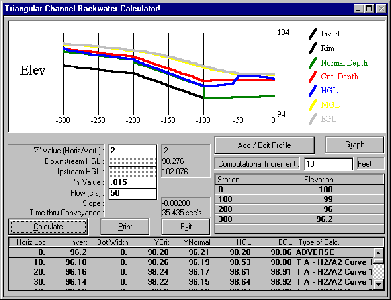
Open Channel Backwater Profile 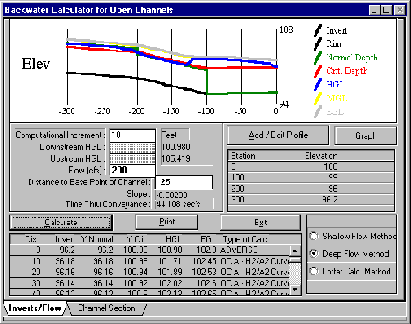
Channel Section Editing 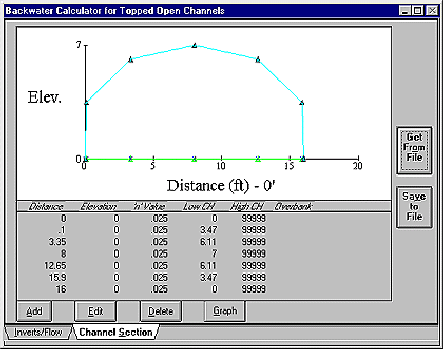
Channel Distance To Invert Reference Point
The Channel distance to the invert reference point is the x-section reference distance to a point in the channel for which the profile inverts will apply. The software is set up to make best use of this when the channel section lowest point is used.
Compound Channel Backwater Profile 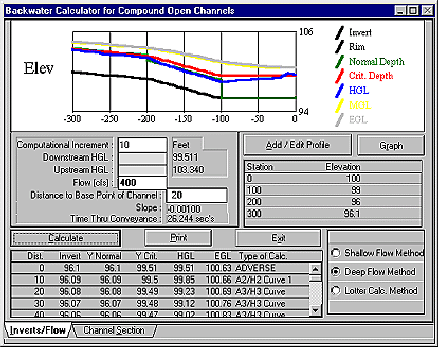
To compute Flow profiles through a Compound Open Channel, a channel invert profile must first be input. Then the Channel Section, "Channel Distance To Reference Point", "Computational Increment", and "Flow" must also be input as a minimum. Estimates or known values for the Upstream and Downstream HGL can optionally be input also, and if these values are valid they will be used. Note that the software may compute values which don't match the values for the upstream and downstream HGL's. When this occurs the software is letting you 聫nowРthat for the flow conditions described, the input WS elevations are invalid, and therefore, the software computes and displays valid values.
Channel Section breaks can be used with this method. Topped Channel Backwater Profile 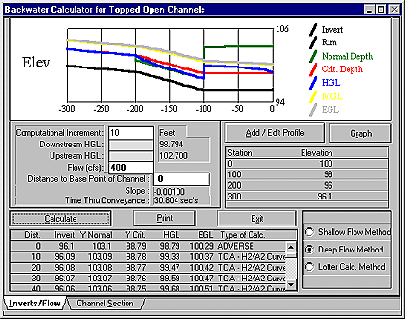
|
|
Send mail to
with questions or comments about this web site.
|